
Parse AI
Every Web Scraper Must Use These 4 Techniques
Make your scrapers 10x more efficient with just a few Python tools.
There is rarely a scraper I build that doesn’t include all of these techniques. They are all extremely easy to add to any Python scraper, and I highly recommend using all four of them.

#1. Pydantic Data Models
Pydantic is a data validation library. It provides strict schema validation to Python data models. Put simply, it helps makes sure your data types are consistent — no strings where there should be numbers, no misformatted dates, no missing prices.
Let’s take the example of product price scraping. Here’s a simple model we might use for a product:
from datetime import datetime
from pydantic import BaseModel


class Product(BaseModel):
    name: str
    price: float
    scraped_at: datetime
In order to be consistent we want all the priceto be a number type — more specifically afloat. If a website displays prices with dollar signs and commas, and we don’t handle those appropriately, our Pydantic model will throw an error. If we try to pass $19.99 to the price field this is what happens:
pydantic_core._pydantic_core.ValidationError: 1 validation error for Product
price
  Input should be a valid number, unable to parse string as a number [type=float_parsing, input_value='$19.99', input_type=str]
Pydantic also allows custom validation logic. Along with type hints, you can implement a field_validator . On this model, I want to make sure my list and dict fields are jsonified before passing them to the model and validating them:
import json

from pydantic import BaseModel, field_validator
from datetime import datetime


class ProductMeta(BaseModel):
    __tablename__ = "product_meta"

    product_name: str
    product_url: str
    images: list[str] | None = None
    misc_attributes: dict | None = None

    @field_validator("images", "misc_attributes", mode="before")
    def jsonify_fields(cls, value):
        try:
            if isinstance(value, str):
                return json.loads(value) if value else None
            elif isinstance(value, list) or isinstance(value, dict):
                return value
            return None
        except:
            return value
Pydantic is a non-negotiable in all my scrapers. It helps me catch bugs from the very beginning and exposes unique website quirks quickly. It prevents an incredible amount of downstream data issues.
#2. asyncio.gather()
I only started using async scrapers this year. Embarrassing! Regardless, it’s completely changed the way I work and has vastly improved my systems.
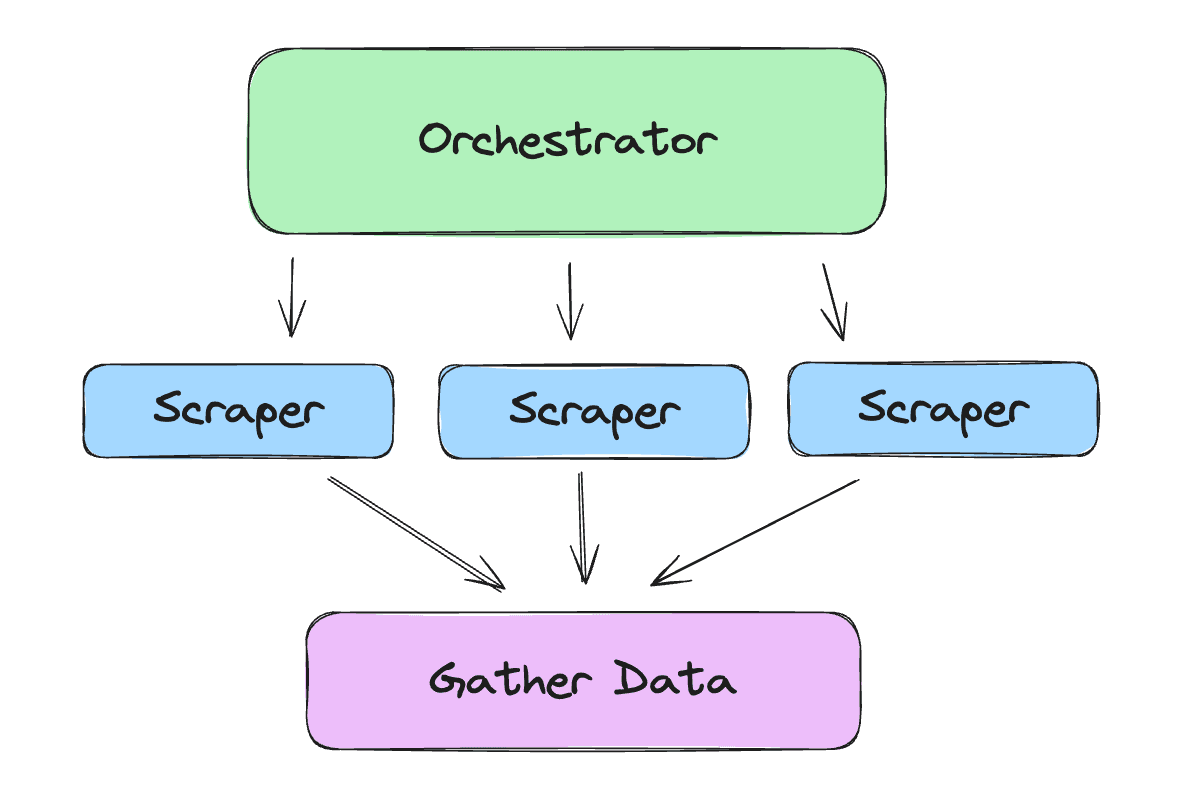
asyncio.gather() is a way you can execute several functions at a single time. It is most useful in scraping when making lots of network requests.
Rather than for-looping or creating threads, we can use a requests library that provides an asynchronous client and execute tons of requests as once. If you need to scrape every sub-page of a domain, there’s no reason to do them one by one and wait for each individual page to finish processing.
Here’s an example of sending 50 network requests using an asynchronous method vs a for loop:
import asyncio

import requests
from httpx import AsyncClient

urls = ["https://example.com"] * 50

async def async_request(url, session):
    response = await session.get(url)
    return response


async def make_async_requests():
    async with AsyncClient() as session:
        tasks = [asyncio.create_task(async_request(url, session)) for url in urls]
        responses = await asyncio.gather(*tasks)

    return responses


def make_sync_requests():
    responses = []
    for url in urls:
        response = requests.get(url)
        responses.append(response)
    return responses


if __name__ == "__main__":
    import time

    start_time = time.perf_counter()
    responses = make_sync_requests()
    end_time = time.perf_counter()
    elapsed_time = end_time - start_time
    print(f"Sync requests took {elapsed_time:.2f} seconds")

    async_start = time.perf_counter()
    async_responses = asyncio.run(make_async_requests())
    async_end = time.perf_counter()
    async_elapsed_time = async_end - async_start
    print(f"Async requests took {async_elapsed_time:.2f} seconds")
The result:
# Sync requests took 4.30 seconds
# Async requests took 0.18 seconds
Create tasks with asyncio.create_task() and execute them all at once with asyncio.gather() . Watch your scrapers become incredibly fast and much more efficient.
#3. curl_cffi
curl_cffi is probably the most important and easiest-to-implement tip in this list. If you have scrapers running simple requests with BeautifulSoup, you can and should instantly implement curl_cffi.
curl_cffi allows you to impersonate TLS and http/2 fingerprint when making network requests.
Anytime you make a network request, the server you make the request to will look at the settings of the connection and decide whether accept or reject it. Many websites use fingerprinting to determine if the request is coming from a valid web browser in order to prevent automated scraping.
curl_cffi allows a quick and easy way around that. I have run into numerous websites that block requests from the base requests library but let curl_cffi requests through. All you have to do is import the library and use it exactly like requests but with an extra impersonate="chrome" argument.
from curl_cffi import requests

url = "https://example.com"
response = requests.get(url, impersonate="chrome")
#4. JSON Logging with Pydantic
Related to #1, but a more specific technique on how to use Pydantic to avoid lots of pain and provide clear logging.
My rule is that I have one complete JSON log for each URL I scrape. Any auxiliary logs can be done with simple print statements. The JSON log will be a 1:1 match to each URL I process, and will be ingested into my database to run analytics.
That JSON log will tell me if the URL was scraped successfully or not, along with various metadata fields. I rely on Pydantic to create the logs.
First, create a logging model:
from pydantic import BaseModel, field_validator, Field
from datetime import datetime

class ScraperLog(BaseModel):
    __tablename__ = "scraper_logs"

    success: bool
    url: str | None = None
    status_code: int | None = None
    execution_time: float | None = None
    error_name: str | None = None
    error_message: str | None = None
    error_stack: str | None = None
    timestamp: datetime

    def print_log_json(self):
        print((self.model_dump_json(indent=2)))
Then, wrap your scraper in a try/except block where both trees end with creating and printing a log:
import traceback
from curl_cffi import requests
from datetime import datetime, UTC

async def scraper(url: str):
    try:
        # Scraping logic here
        session = requests.AsyncSession()
        res = await session.get(url)

        # Log success
        log_entry = ScraperLog(
            success=True,
            url=url,
            timestamp=datetime.now(UTC)
        )
        log_entry.print_log_json()
    except Exception as e:

        # Log failure
        log_entry = ScraperLog(
            success=False,
            url=url,
            error_name=type(e).__name__,
            error_message=str(e),
            error_stack=traceback.format_exc(),
            timestamp=datetime.now(UTC)
        )
        log_entry.print_log_json()
With this setup we will have a clean JSON log with every success or failure. Here’s an example of an error log:
{
  "success": false,
  "url": "https://example.com",
  "execution_time": null,
  "error_name": "Exception",
  "error_message": "Simulated scraping error",
  "error_stack": "Traceback (most recent call last):\n  File \"<input>\", line 5, in <module>\nException: Simulated scraping error\n",
  "timestamp": "2025-12-03T15:51:33.524440Z"
}
All of these techniques can be easily integrated into existing Python systems. Feel free to reach out if you need help doing so!
How to Scrape Amazon Prices (all code included)
Web scraping guide for beginners to collect prices from products on amazon.com
Read Full Story
How to Use Async Python Functions in AWS Lambda in 2026
Quick guide on how to use async Python functions in AWS Lambda
Read Full Story